
HUBIA APP

Your agenda.
Your venues. Same place.

Hubia App keeps personal events, venue appointments and continuity with the Hubia venues you actually use in one place. Not a marketplace. Not a generic calendar.

Download Hubia on the App Store

Already available on the App Store

Android is being prepared for release

Push

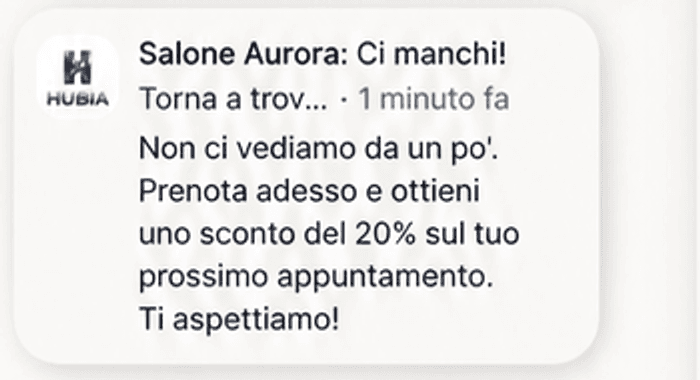
The customer receives the offer.

The notification brings them back to the venue without opening an external marketplace.
PWA first, app after

The venue PWA is the main channel

In practice, most customers book from the venue link or QR code. No mandatory download: they open the page, book and, if they want, save it to the home screen. It feels like an app, but does not go through the store or take space like a native app.

Hubia App is an extra option

For customers who visit more than one Hubia venue. On the App Store, it unifies personal agenda, appointments, messages and reminders from connected venues. It is not the team management tool; that stays in the venue staff panel.
  • PWA: immediate booking from the single venue link
  • Home screen: phone icon without going through the store
  • Hubia App: one agenda for multiple Hubia venues, all connected
  • The team keeps working from the staff dashboard, not from the App Store
PRODUCT VIEW

What the customer actually sees.

The app is built to stay useful after booking: not a directory, not a marketplace, but continuity with chosen venues.

Home

Linked venues, next appointment, recent activity and important messages.

Agenda

Hubia appointments and personal events in one place, with clear reminders.

Messages

Communications, offers and promos that can open directly into booking.

Profile

Preferences, account data and continuity with the venues the customer chose.

HUBIA APP

After booking, the useful part starts.

Hubia App keeps going after the slot is booked: personal agenda, reminders, recurrences, appointments and continuity in one place. Premium because it stays closed and ordered, not because it sounds fashionable.

01

One agenda

Personal events, Hubia appointments and, if you want, read-only device calendar. One line for the day.

02

Day coach

It helps the guest understand what matters today. It is not the same as the Coach plan on the venue side, which reads data and suggests operational actions for the business.

03

Voice, text, recurrences

Quick add, spoken input and natural language to create or move events. Recurrences and reminders when needed, without extra weight.

04

Only venues that matter

One account across linked Hubia venues: notifications, messages and loyalty where enabled. No open directory of random businesses.

FROM THE CUSTOMER PHONE

Regular booking, offer and push in the same flow.

These screens show the customer side: open booking, discount applied before confirmation and a notification that brings the customer back to the venue.

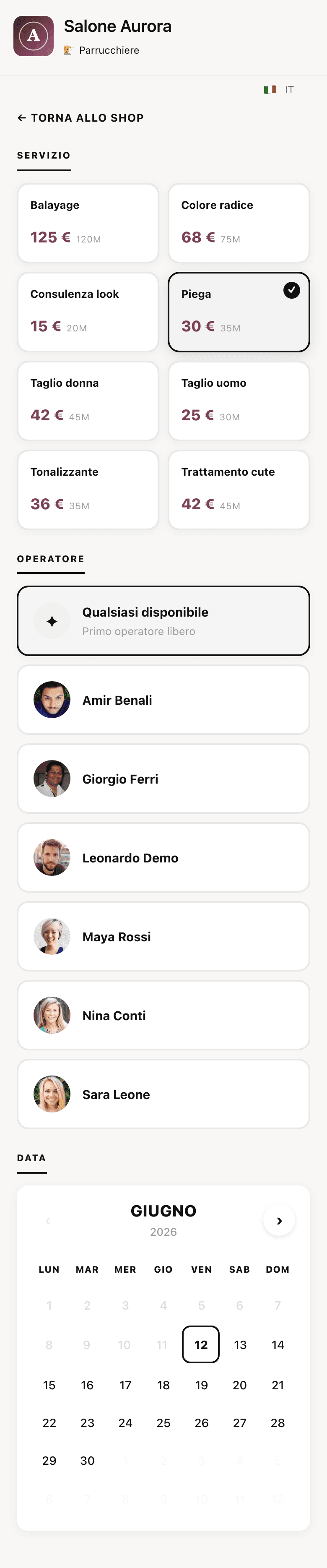
Hubia mobile booking screen without discount for Salone Aurora

Booking

Customers choose service, staff and time.

The flow stays light: it opens from the venue, shows services and availability, and never turns into a marketplace.

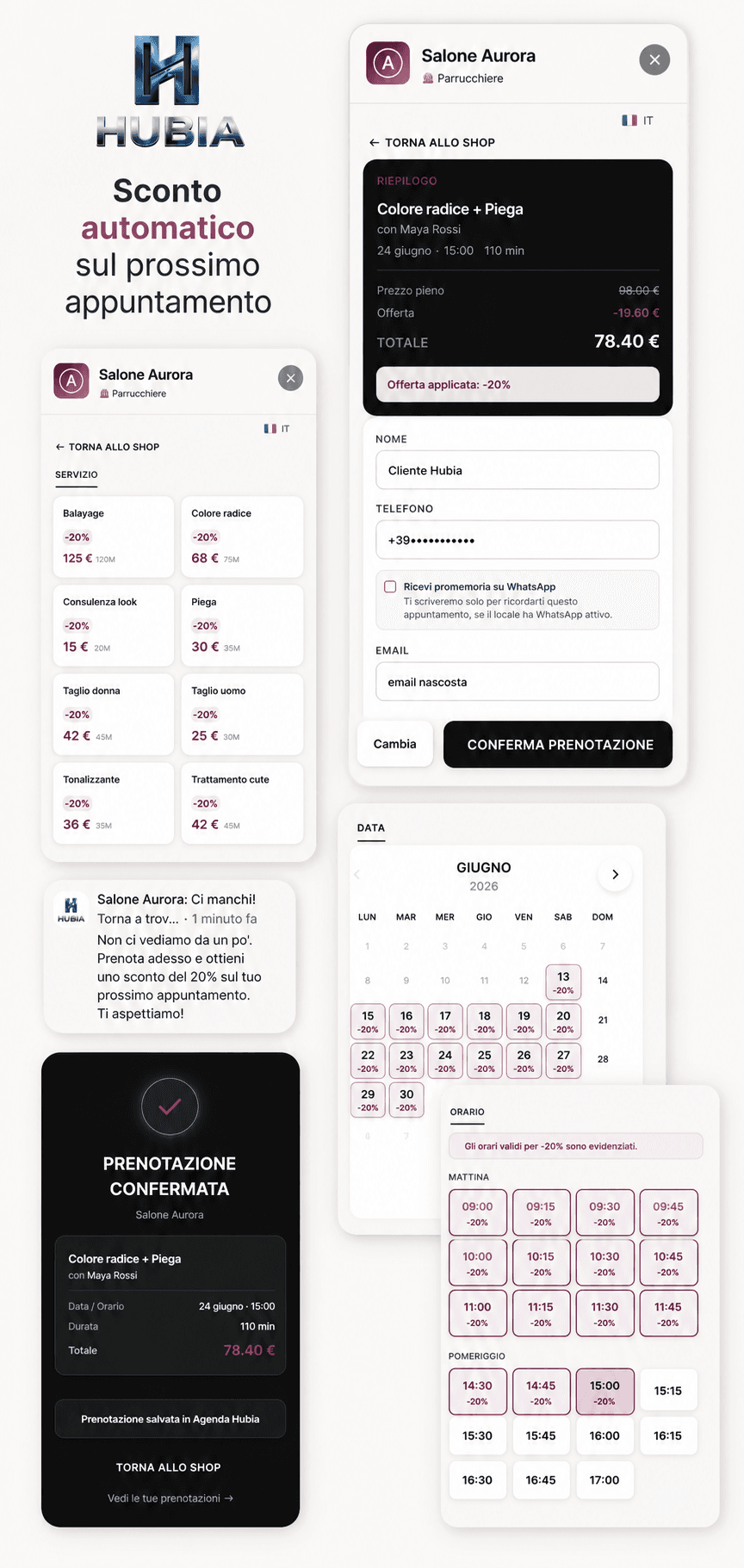
Hubia App screens with a twenty percent offer applied to a booking

20% offer

The discount stays visible until confirmation.

Services, staff and slots highlight the offer. The summary shows the discounted total before booking.

Hubia App notification inviting the customer back with a discount on the next appointment

Push notification

The message brings the customer back.

The broadcast arrives as a notification and opens the booking flow connected to the offer.

How it connects to the venue product

Want to see if guests would actually feel the difference?

The venue uses Hubia for ops, appointments and continuity. Hubia App is the guest side of the same system. That is why it feels stronger than a booking link.

By email we can help you compare simple bookings against a fuller system with personal agenda, return visits and a day coach inside the same perimeter.